Your Unlimited Canvas
For Ideas & Screenshots
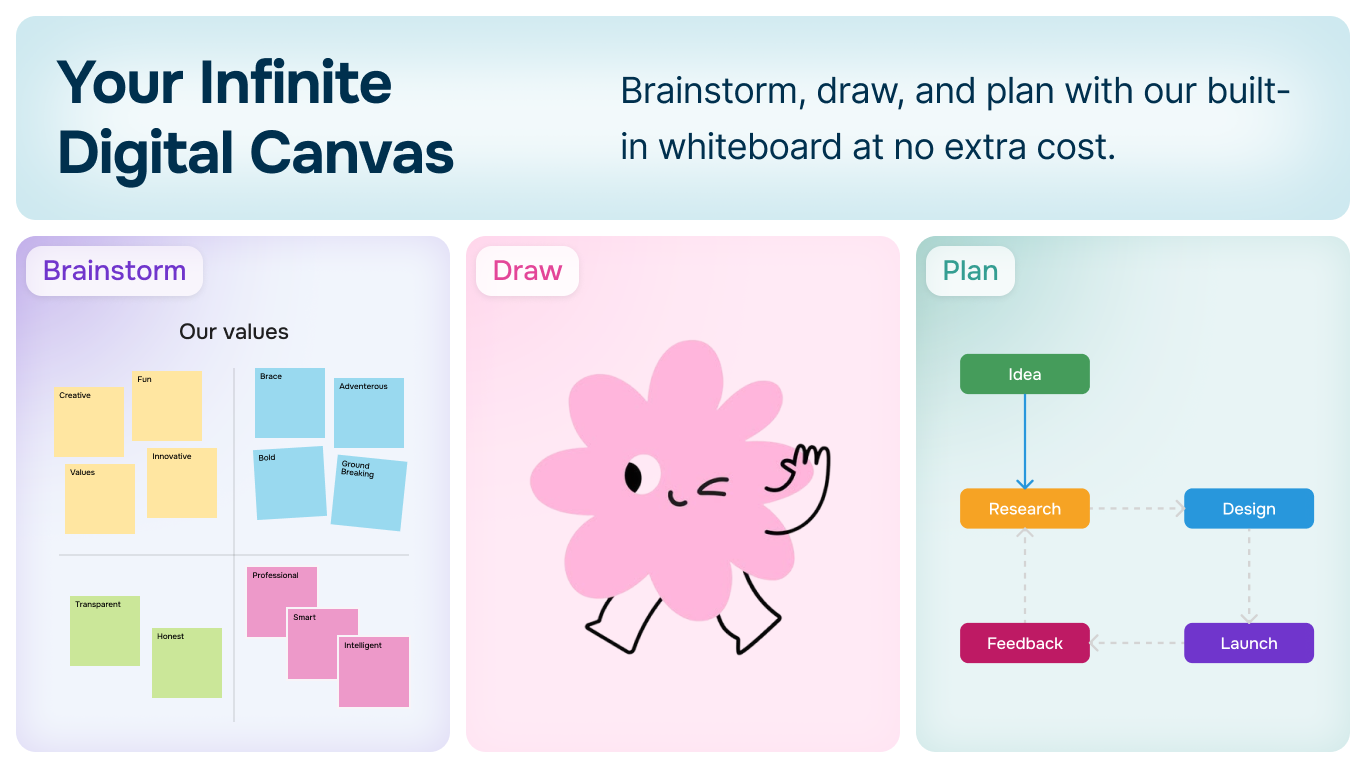
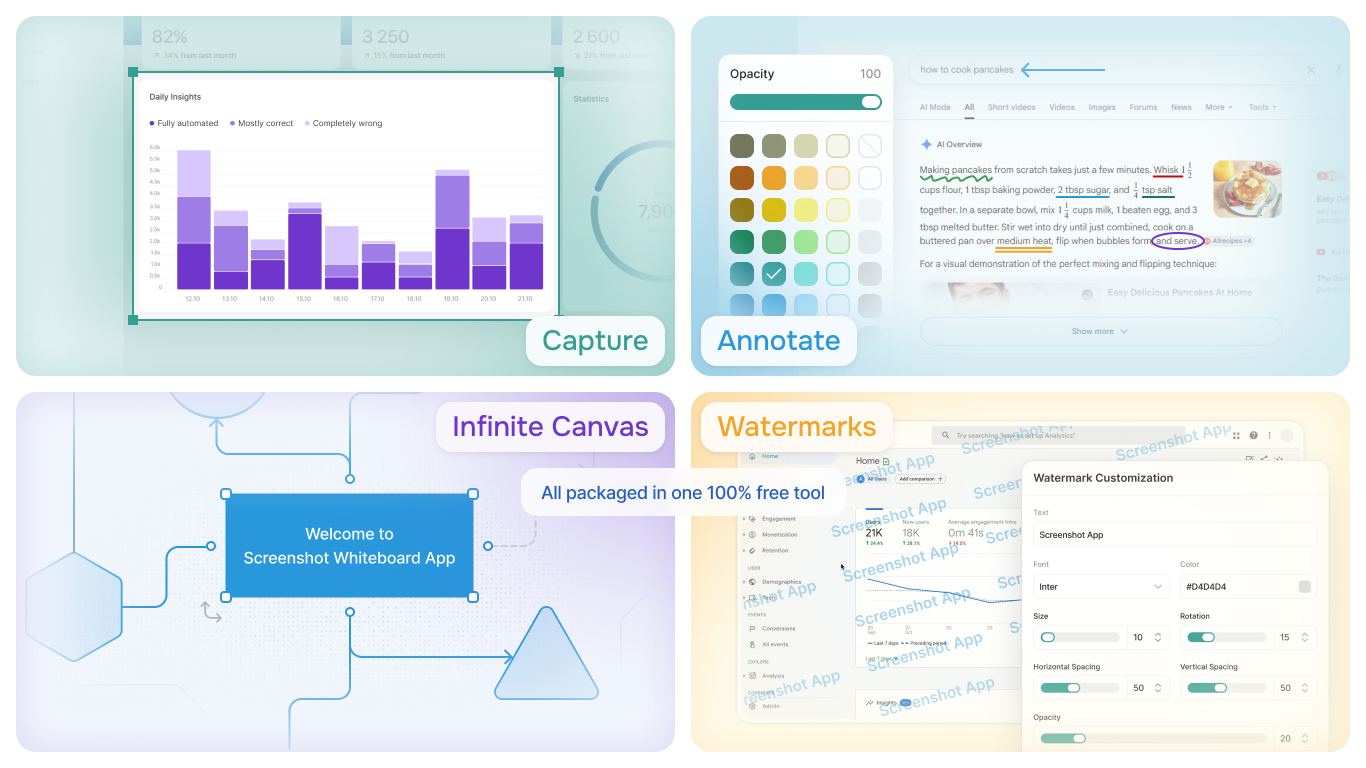
Screenshot Whiteboard App by Analyze.Agency includes a built-in infinite canvas where you can brainstorm, draw, and organize screenshots. Create flowcharts, mind maps, and visual documentation - all in one place, completely free.
Available on Windows • 100% Free
Unlimited Whiteboard Space
Never run out of room. Our infinite canvas expands as you work, giving you endless space for your ideas, screenshots, and drawings.
- ✓Truly infinite canvas - no size limits
- ✓Combine screenshots with drawings
- ✓Pan and zoom smoothly
- ✓Organize visually without constraints
Professional Drawing Tools
Everything you need to create professional diagrams, flowcharts, and visual documentation.
- ✓Shapes: rectangles, circles, arrows, and more
- ✓Freehand drawing with pressure sensitivity
- ✓Text boxes with custom formatting
- ✓Intelligent Shape Protocol for auto-connections
What Can You Create?
From simple sketches to complex visual documentation
Flowcharts
Create process flows, decision trees, and workflow diagrams with smart connectors
Mind Maps
Brainstorm and organize ideas visually with unlimited branching
Wireframes
Sketch app layouts, website designs, and user interface mockups
Project Planning
Map out timelines, dependencies, and project structures visually
Documentation
Combine screenshots with annotations for comprehensive visual guides
Teaching Materials
Create educational diagrams, concept maps, and instructional content
Intelligent Shape Protocol
Our smart shape recognition automatically connects and aligns shapes as you draw. Create professional flowcharts and diagrams effortlessly.
- ✓Auto-snap connectors to shape edges
- ✓Smart alignment guides
- ✓Maintain connections when moving shapes
Start Creating on Your Infinite Canvas
Download Screenshot Whiteboard App by Analyze.Agency and unleash your creativity with unlimited whiteboard space.
Read the Documentation