Capture, Annotate & Share
Everything You Need in One Tool
Screenshot Whiteboard App by Analyze.Agency is the complete screenshot solution for Windows. Capture anything on your screen, add professional annotations, and share instantly. 100% free with no watermarks or limitations.
Available on Windows • 100% Free
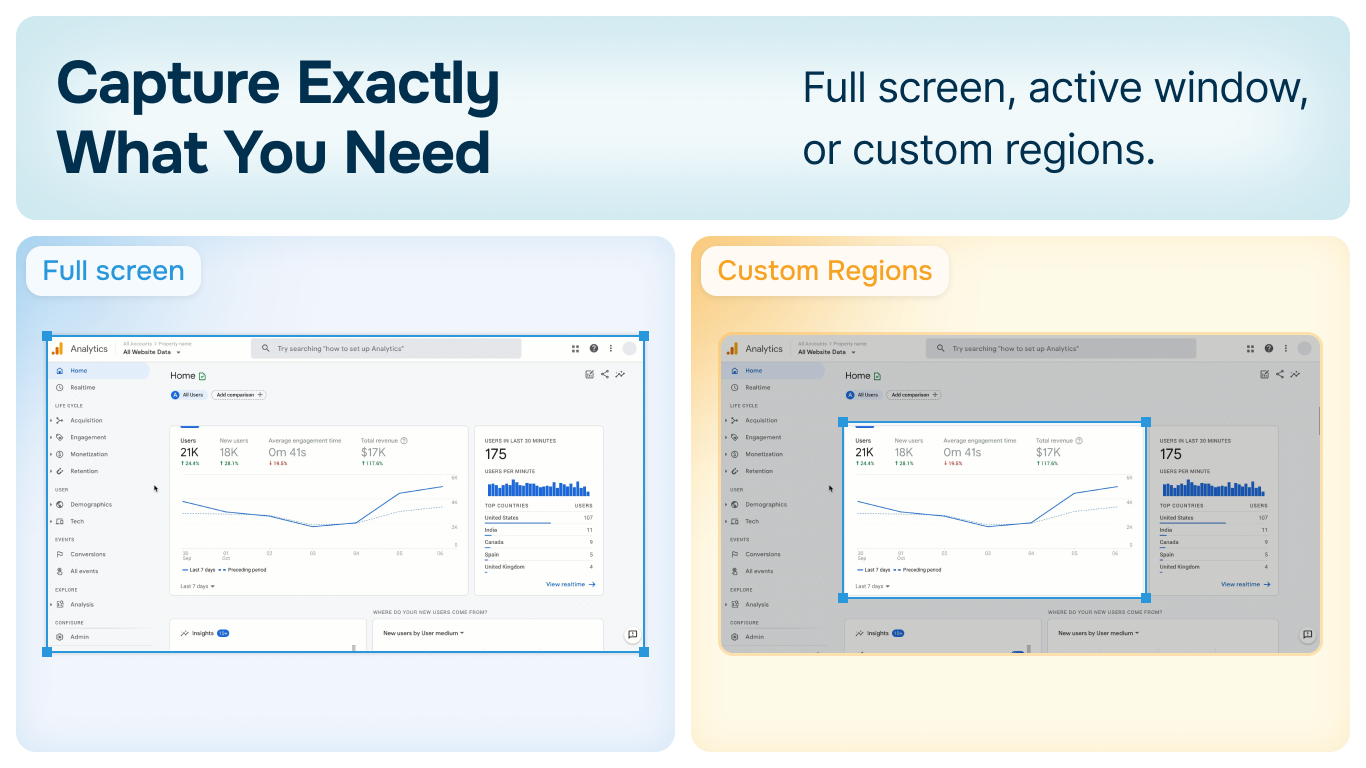
Capture Exactly What You Need
Multiple capture modes to fit any workflow
Full Screen Capture
Capture your entire screen with a single hotkey. Perfect for documenting multi-monitor setups or full desktop views.
Active Window
Automatically capture just the active window. Clean screenshots without desktop clutter or other applications.
Custom Region
Select any area of your screen with precision. Crop exactly what you need without extra editing steps.
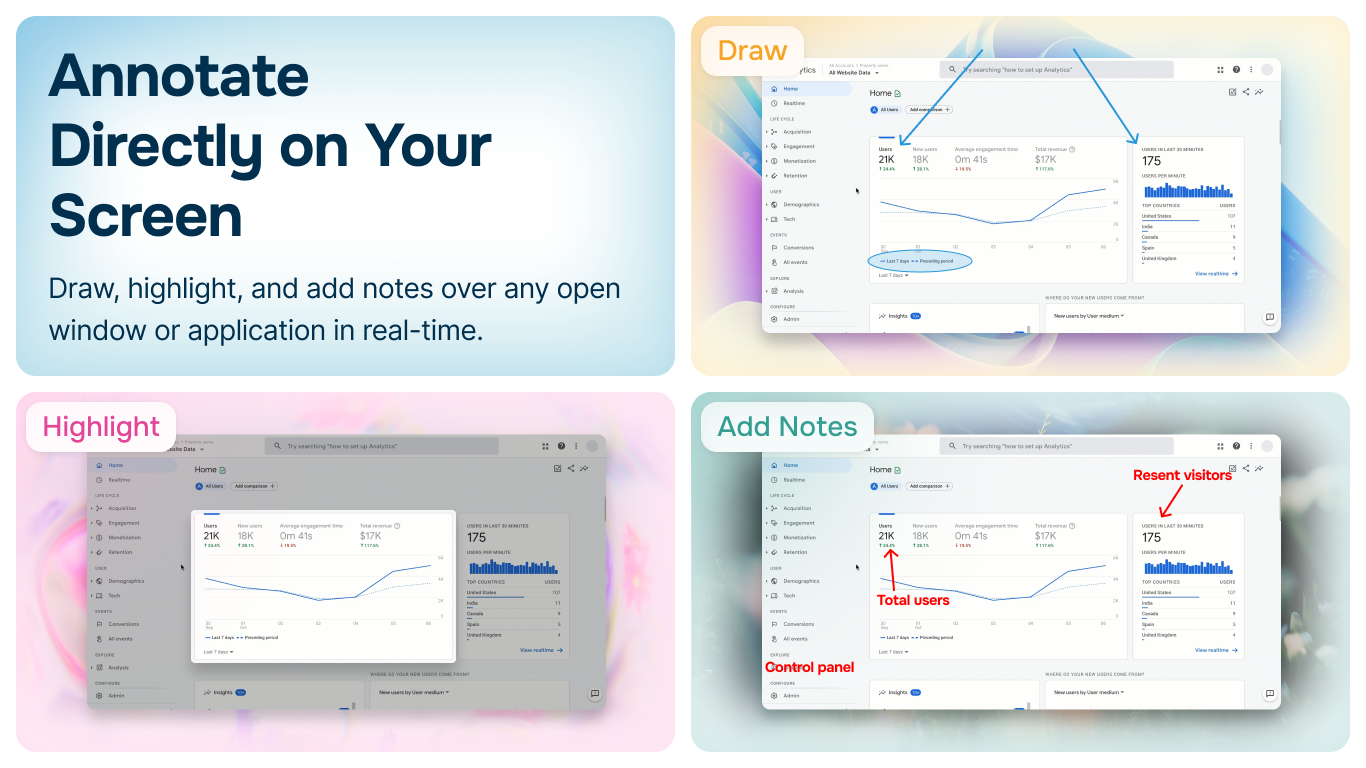
Instant Screenshot Editing
Add annotations, highlights, arrows, and text immediately after capture. No need to open separate editing software.
- ✓Professional annotation tools built-in
- ✓Add arrows, shapes, and text instantly
- ✓Blur sensitive information with one click
- ✓Custom watermarks for branding
More Than Just Screenshots
Screenshot Whiteboard App includes powerful features that go beyond basic screen capture
Re-Editable Projects
Save your annotated screenshots as editable projects. Come back later to modify, update, or repurpose your work.
Password Protection
Secure your screenshots with password protection. Keep sensitive information safe while maintaining easy access.
Infinite Canvas
Combine multiple screenshots on an unlimited canvas. Create tutorials, documentation, or visual guides.
Completely Offline
Works 100% offline. Your screenshots never leave your computer. No cloud uploads, no privacy concerns.
Ready to Upgrade Your Screenshot Workflow?
Download Screenshot Whiteboard App by Analyze.Agency and experience the most powerful free screenshot tool for Windows.
Read the Documentation