Annotate Directly on Your Screen
Draw Over Any Application
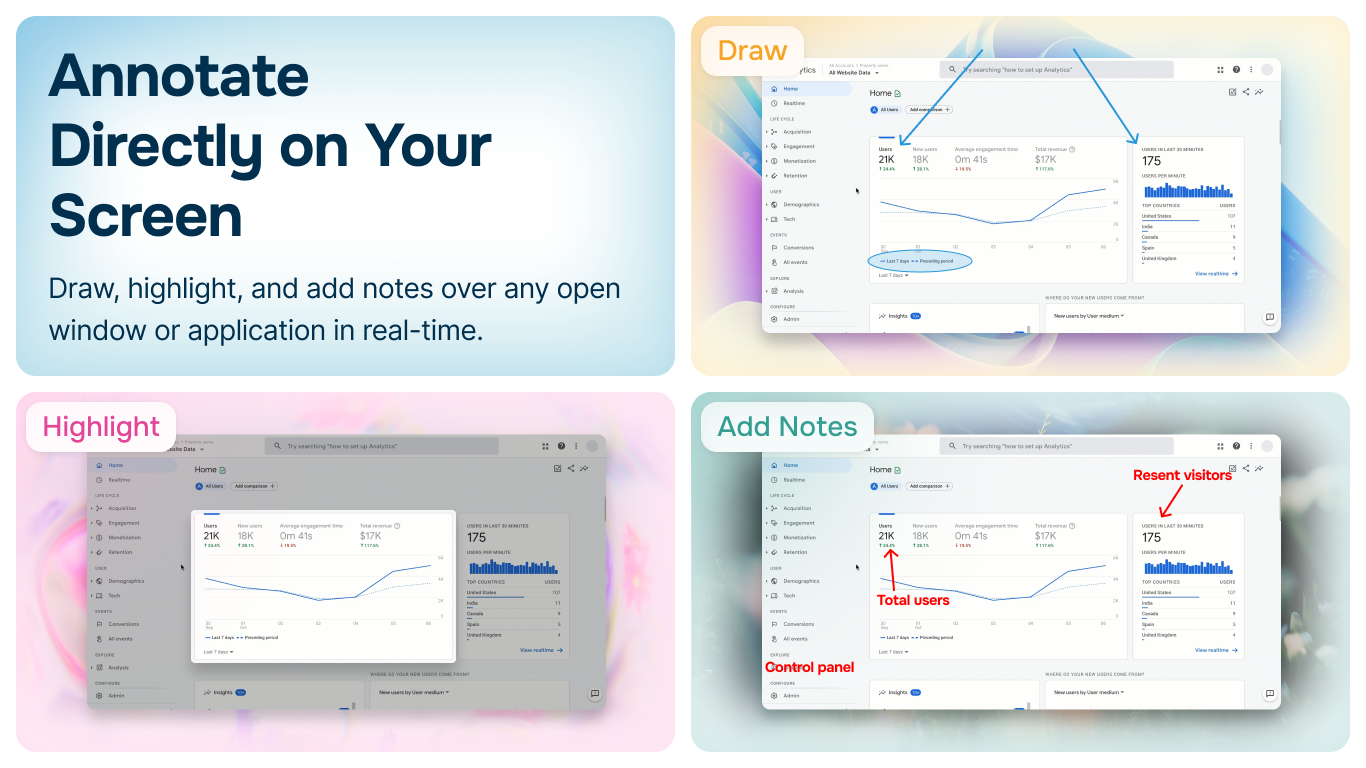
Screenshot Whiteboard App by Analyze.Agency lets you draw, highlight, and annotate over any open window in real-time. No need to take a screenshot first - just start marking up your screen during presentations, meetings, or tutorials.
Available on Windows • 100% Free
Live Screen Markup
Draw and annotate directly on your screen while applications are running. Perfect for live demonstrations, teaching, code reviews, and presentations.
- ✓Draw over any open window or application
- ✓Highlight important areas in real-time
- ✓Add text notes and callouts instantly
- ✓Capture annotated screen when done
Professional Annotation Tools
Complete toolkit for marking up your screen with precision and clarity.
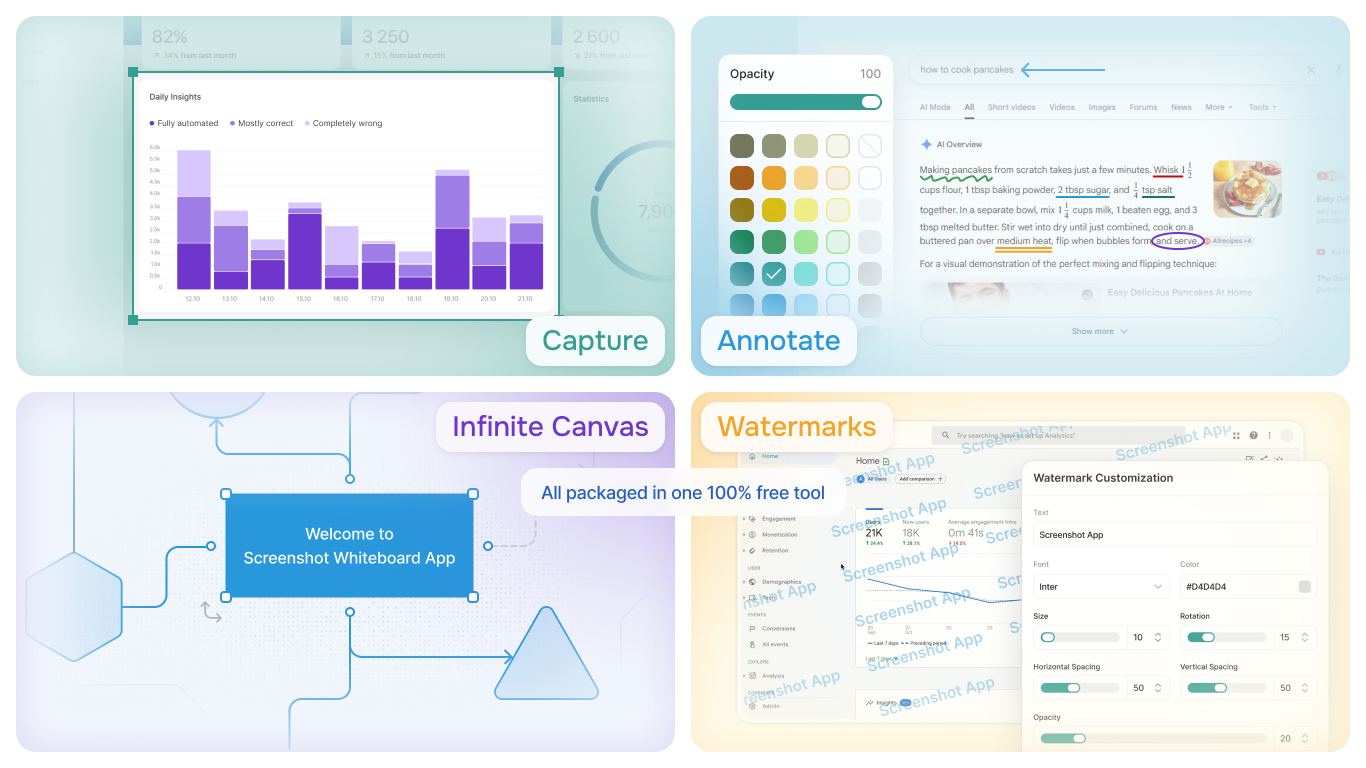
- ✓Freehand drawing with customizable colors
- ✓Arrows, lines, and shapes
- ✓Text boxes with custom fonts and sizes
- ✓Highlighter for emphasis
- ✓Blur and pixelate sensitive areas
Perfect for Every Use Case
From teaching to troubleshooting, screen annotation makes communication clear
Online Teaching
Mark up slides, diagrams, and documents in real-time during virtual classes
Software Demos
Highlight features and draw attention to important UI elements during presentations
Code Reviews
Circle issues, add comments, and suggest improvements directly on code
Bug Reports
Show exactly where issues occur with clear visual annotations
Client Presentations
Annotate designs, mockups, and prototypes during client meetings
Training Videos
Record screen with annotations for clear, professional training content
Start Annotating Your Screen Today
Download Screenshot Whiteboard App by Analyze.Agency and transform how you communicate visually.
Read the Documentation